|
WHAT'S INSIDESCRIVENER UNLEASHED
|
|
| 1. THE BASICS(9 lessons)
Quickly familiarize yourself with the main dashboard and features of Scrivener.
|
| 10. TEMPLATES (19 lessons)
The novel template is powerful and versatile. I walk through exactly how I use it to create great looking books.
|
|
|
|
|
|
|
| 2. ADDING CONTENT (11 lessons)
Easy time-saving ways to import and create content in your Scrivener project.
|
| 11. FORMATTING(13 lessons)
Everything you need to know to automate your formatting and make your books look amazing!
|
|
|
|
|
|
|
| 3. DISTRACTION FREE WRITING(2 lessons)
Removing the distractions and doing the most important thing - writing!
|
| 12. RESEARCH(4 lessons)
How to use Scrivener's powerful research capabilities to gather in one place everything pertaining to your current projects.
|
|
|
|
|
|
|
| 4. PRINTING (4 lessons)
Sometimes you may need to print out your manuscript, for yourself or others. This section shows how to professionally print your work using industry standard formats.
|
| 13. WRITER'S HELPS(14 lessons)
Spelling, grammar, dictionaries, thesaurus, annotations, word count and more; so many ways to improve, track and perfect your writing.
|
|
|
|
|
|
|
| 5. FILES & FOLDERS (8 lessons)
Organizing your writing life right within Scrivener means you'll no longer be scrambling for your files. Build your manuscripts in a way that works for you!
|
| 14. IMAGES (11 lessons)
Many people don't know how to best use images in their Scrivener projects, but when you know how, it's easy and pain-free
|
|
|
|
|
|
|
| 6. VIEWS(9 lessons)
So many ways to view your project, and how to use them efficiently to speed your content creation and organization.
|
| 15. CUSTOMIZING (5 lessons)
Making your workspace as unique as you are! All of your favorite features will be right at your fingertips every time you open Scrivener.
|
|
|
|
|
|
|
| 7. THE CORKBOARD(9 lessons)
Ninja ways to put the cork board to power user every day use. Outline your book in a slick visual way, with synopsis, images, notes and more.
|
| 16. TRACKING & BACKUPS (5 lessons)
Never lose one word ever again - Scrivener's autosave, backup and fail-safe features explained and tweaked to your best advantage.
|
|
|
|
|
|
|
| 8. COMPILE FOR DIGITAL(9 lessons)
Harness the powerful new features of Scrivener's new compiler. Simple, quick, efficient - awesome! Pumping out ready-to-publish professional ebooks is a breeze when you know how.
|
| BONUS - BLOGGING (10 lessons)
Ten lessons on using Scrivener to speed and organize your content creation, with a particular focus on blogging workflow. Includes a bonus Scrivener template created especially for bloggers.in the member's area).
|
|
|
|
|
|
|
| 9. COMPILE FOR PRINT (7 lessons)
People often don't realize that Scrivener can also create rocking print versions of books, ready for upload to KDP or other print on demand services. The new compiler makes this 10X better! I show you how step-by-step so you get it right the first time.
|
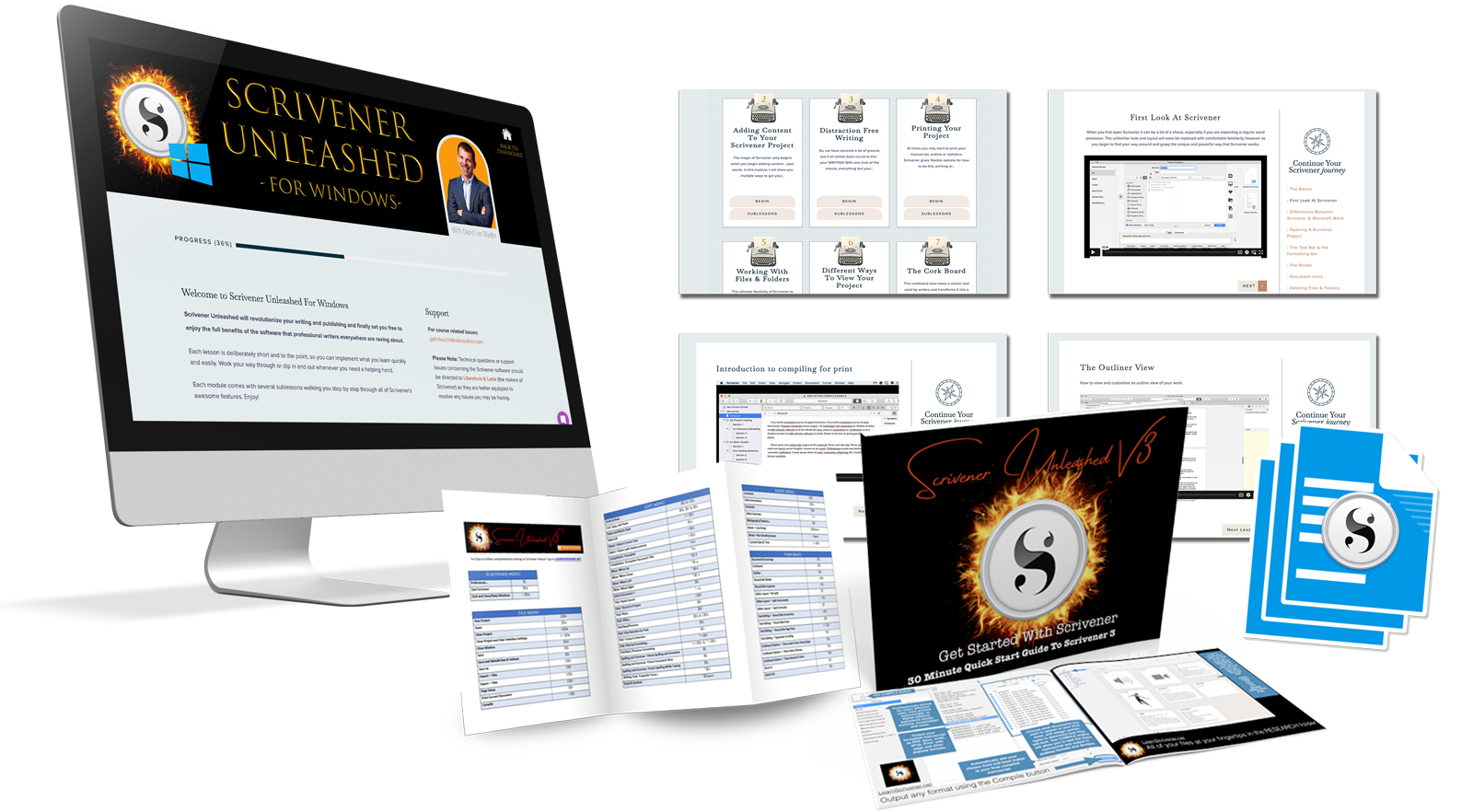
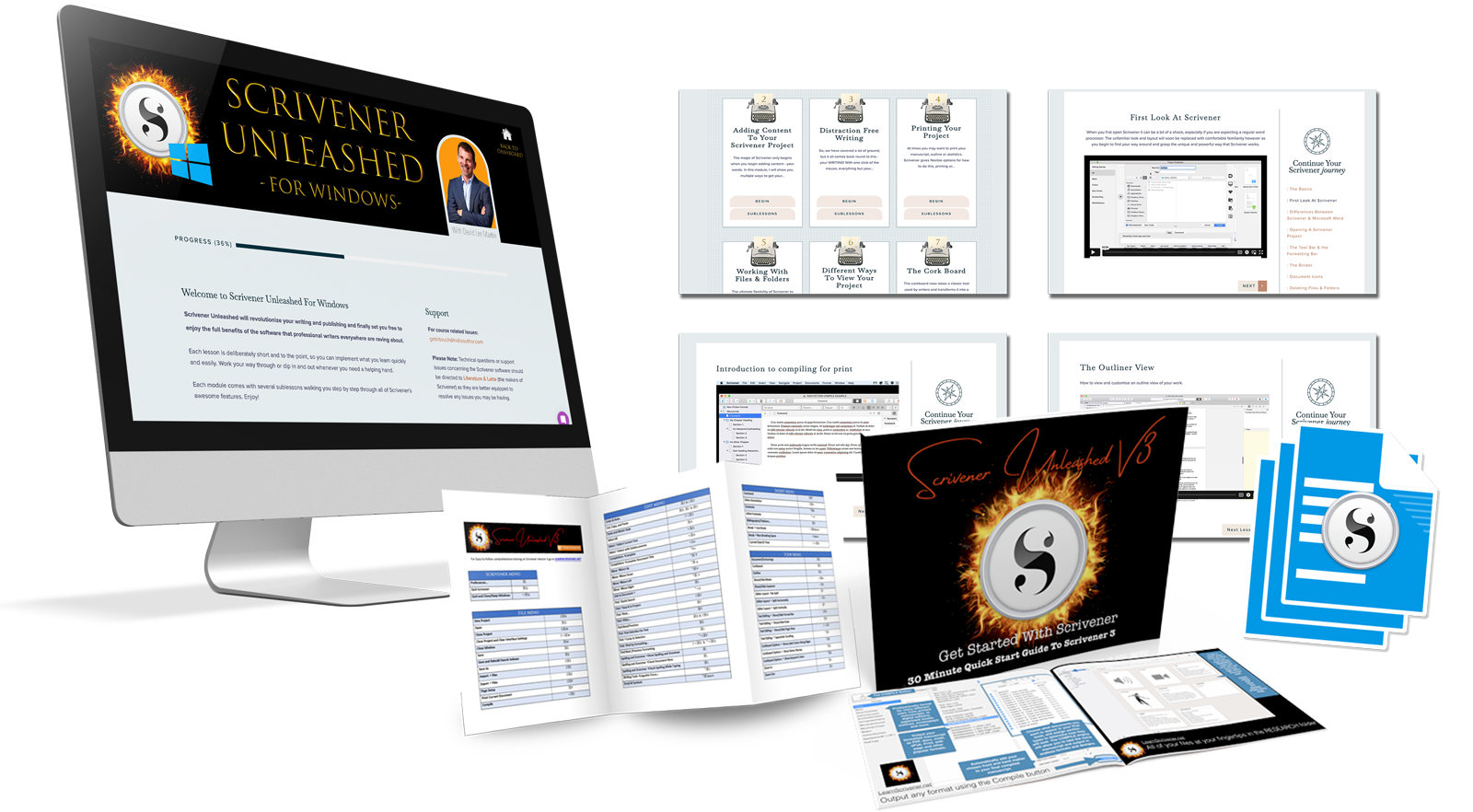
| BONUSESGet Started Quickstart Guide
A Fast-track primer that can be consumed in under 20 minutes and get you up and running faster than you can say bestseller.
Scrivener Templates Bundle
A bundle of ready-to-use templates - Beat Sheet, Blog, Hero's Journey, Mystery Novel, Novel Outliner and Snowflake Method. Simply import into your project and you are ready to go.
Quick Reference Shortcut Cheatsheets
Become a shortcut wizard with these quick reference cheatsheets. Every Scrivener shortcut at your fingertips in an easy-to-read-reference.
|
|
|
|
|
|
|







.png)